
Make your
Ender 5 Max
great
The Ender 5 Max has a lot of flaws and misconceptions. I’ve made this website to help its users correct, mod, and upgrade the printer.
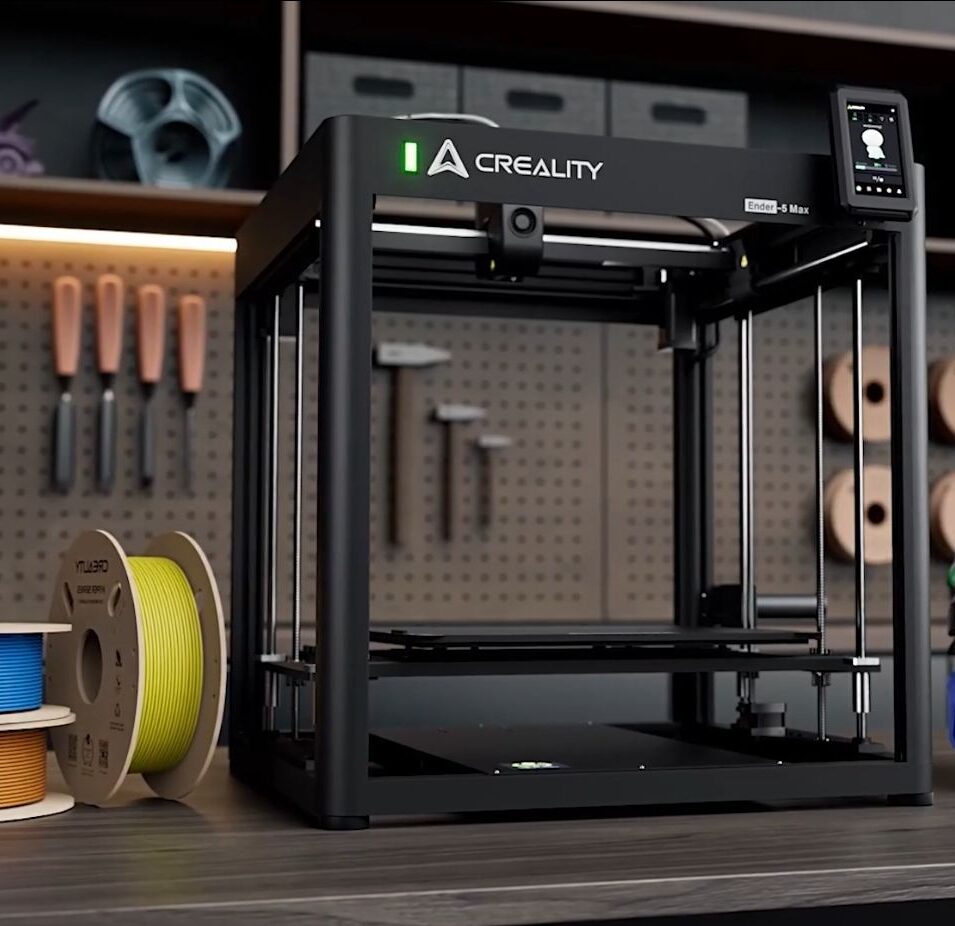
Just have a look !
My tutorials
How to Enable Root Access on the Creality Nebula Pad — Ender 5 Max
Root access unlocks the administrator account on the Nebula Pad, giving you full control over the Klipper system. The process takes less than 2 minutes directly from the Nebula Pad touchscreen — no PC required. A reboot is needed at the end before you can connect via SSH.
Fix Layer Inconsistencies on the Creality Ender 5 Max — Electrical Noise & Grounding Guide
If your Ender 5 Max prints show layer inconsistencies that disappear when the heated bed is turned off, the root cause is electrical noise and poor grounding — not a mechanical issue. Five steps: check Live/Neutral polarity at your wall outlet or power strip, set pwm_cycle_time = 0.3 in printer.cfg, add PE grounding wires to the bed plate and toolhead cage, then recalibrate PID for nozzle and bed.
How to Connect to Your Ender 5 Max via SSH — Creality Nebula Pad
SSH gives you direct access to the Linux system running on your Ender 5 Max’s Nebula Pad. No special software needed — PowerShell on Windows and Terminal on macOS/Linux have everything built in. The whole process takes less than a minute.
How to Take Screenshots of the Nebula Pad Screen — Creality Ender 5 Max
The Nebula Pad has no built-in screenshot function. This guide installs a Klipper macro that captures the screen as a PNG file, accessible directly from your web interface (Fluidd or Mainsail). Two options: automatic install via SSH in one command, or manual install for those who want to understand every line.
One-Click SSH Connection to Your Ender 5 Max — Automatic Setup for Windows
Tired of typing your IP address and password every time you connect to your Ender 5 Max via SSH? This guide sets up a passwordless, one-click connection in under 5 minutes. Double-click the Desktop shortcut — you’re in.
Gratify me for my work
I’ve spent a lot of hours compiling all the information on the internet and sometimes developing my own solutions. I’m very happy to share them with the Ender 5 Max user community. But man, this has been a hard job… If you are not broke (or stingy), click the button and support me!